 YTCliply
YTCliply Team · Tested in August 2026
Test conclusion: We tested 10 YouTube video clipping websites that ranked near the top of Google search results, and only 2 successfully completed free 1080p clipping and downloading.
In our testing, Sliceyt and Cutter.tube both completed the full “paste a YouTube link → select a time range → clip → download” workflow and provided free 1080p video output.
The other websites had various limitations or issues. Some limited free users to 360p, 240p, or 144p; some only created shareable clips; some had features that did not work correctly; and others failed to download or were inaccessible during testing.
These 10 websites were not chosen at random. We started with sites that ranked highly in Google search results, filtered them by site type and features, and then tested each one using the same YouTube video and the same 30-second time range.
Hands-On Test Results for 10 YouTube Video Clipping Websites
| Website | Test Status | Free 1080p | Video Clipping | Audio Clipping | 30-Second Test |
|---|---|---|---|---|---|
| Sliceyt | ✅ Working | ✅ Up to 2 minutes | ✅ | Limited | Fast |
| Cutter.tube | ✅ Working | ✅ | ✅ | ✅ | About 90 seconds |
| Clipscutter | ✅ Works with limitations | ❌ Free version up to 360p | ✅ | ✅ | About 20 seconds |
| Slicetube | ⚠️ Partially working | ❌ Free version up to 360p | ✅ | ⚠️ Issue during our test | About 20 seconds |
| OpenReplay | ⚠️ Screen-recording method | ⚠️ Depends on recording output | Recording | ❌ | About 60 seconds |
| TubeChop | ⚠️ Sharing only | ❌ | Shareable clip | ❌ | Fast |
| Trimtube | ✅ Works with major limitations | ❌ 144p / 240p | ✅ | Paid | About 60 seconds |
| YTCutter.link | ❌ Download failed | ❌ | ❌ | ❌ | — |
| Vidstrim | ❌ Download failed in our test | ❌ | ❌ | ❌ | — |
| Cutter.yt | ❌ Inaccessible | — | — | — | — |
Note: The results above are based on our hands-on testing in August 2026. Features, free plans, and availability for online tools can change at any time.
How Did We Choose and Test These Websites?
Google Search Results
We searched Google from the United States for:
YouTube cutter downloader
Most of the websites we tested came from the top results for this search term.
Our goal was to see whether the websites users are most likely to find through Google could actually complete the task successfully.
Website Selection Criteria
To keep the test focused on real user needs, we prioritized:
- ✅ Online tools
- ✅ YouTube-related functionality
- ✅ Pages that offer or claim to offer video trimming, clip extraction, or downloading
We excluded:
- ❌ Desktop software
- ❌ Browser extensions
- ❌ Websites with tutorials or informational content only and no actual tool
- ❌ Websites unrelated to YouTube video clipping or clip downloading
During the selection stage, we primarily relied on the features described on each website.
Whether a website could actually complete clipping and downloading was determined by our hands-on test results.
For example, TubeChop made the test list, but after using it we found that it only creates shareable clips and does not let users download a standalone video file.
Test Conditions
We used the same video and the same clipping range on every website.
Test video: The same YouTube video Test range: 1:00–1:30 Target output: One 30-second video clip
What We Tested
We mainly checked:
- Whether the website opened normally
- Whether it accepted a YouTube link
- Whether users could select start and end times
- Whether it could generate the requested video clip
- Whether the generated file could be downloaded
- The highest video resolution available on the free plan
- Whether MP3 or audio clipping was supported
- Processing speed
- Whether the free plan had major limitations
1. Sliceyt
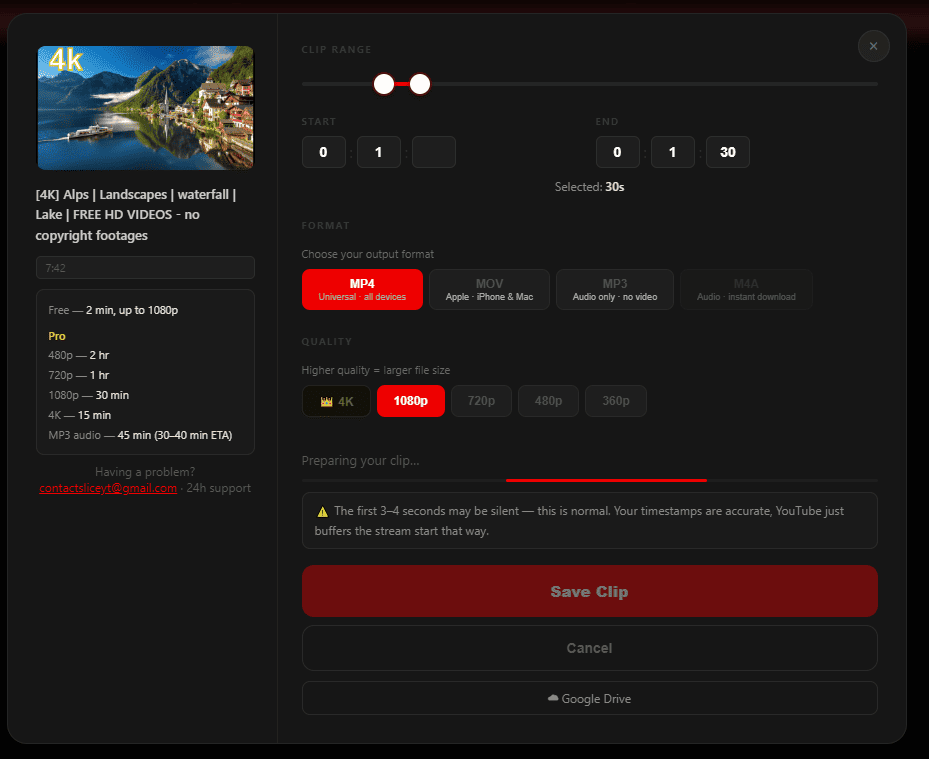
Test status: Working|Free up to 1080p|Free clips up to 2 minutes
Sliceyt was one of the few websites in our test that successfully handled video clipping, file downloading, and free 1080p output.
In our test, free users could generate video clips up to 2 minutes long at resolutions up to 1080p.
Test Results
- ✅ Video clipping worked
- ✅ Free up to 1080p
- ✅ Video files can be downloaded
- ✅ Fast processing
- ❌ Account registration required
- ❌ Free clips limited to 2 minutes
- ❌ Some features require payment
2. Cutter.tube
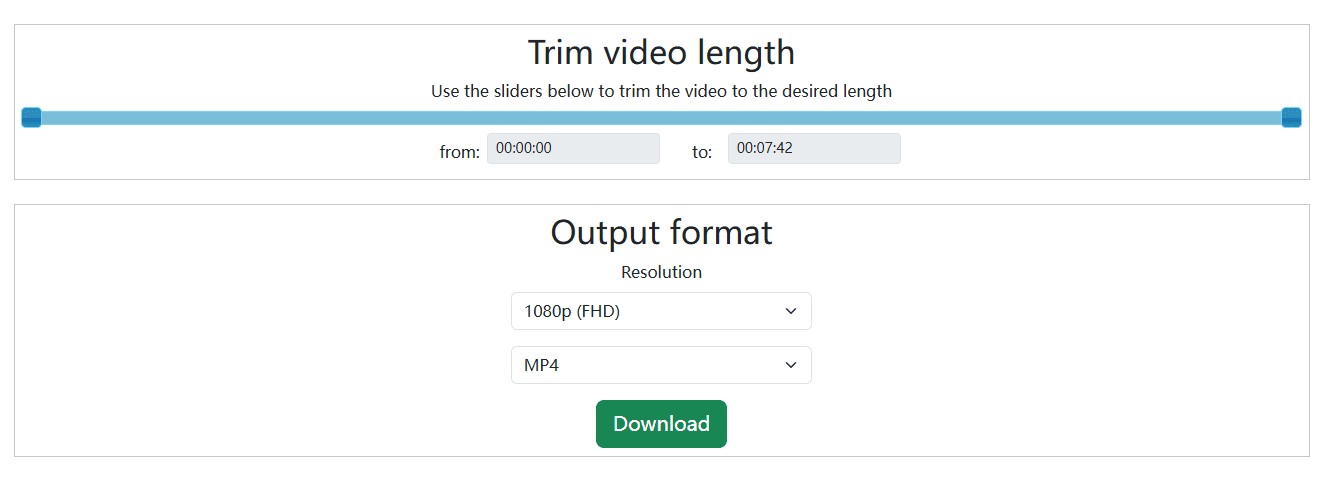
Test status: Working|Free 1080p|MP3 supported|About 90 seconds
Cutter.tube completed the full test workflow successfully.
We were able to choose a specific time range, select MP4 and 1080p, process the clip, and download the finished video.
It also supports MP3 audio output.
Test Results
- ✅ Video clipping
- ✅ Free 1080p
- ✅ MP4 download
- ✅ MP3 supported
- ❌ Relatively slow processing
3. Clipscutter
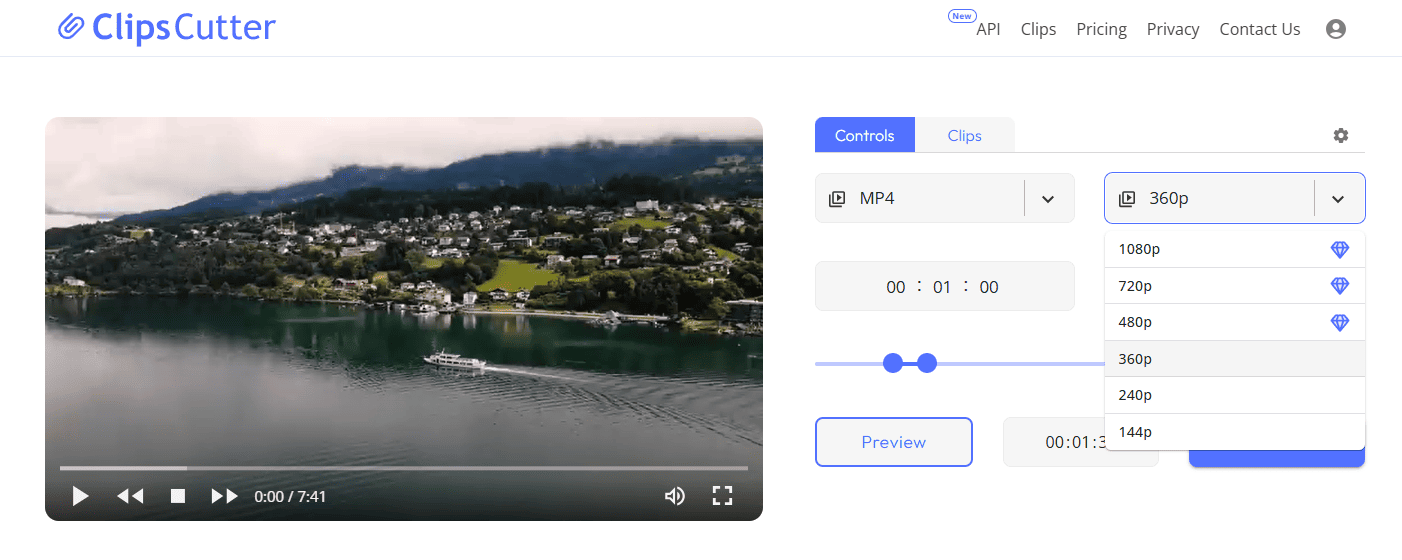
Test status: Works with limitations|Free video up to 360p|About 20 seconds
Clipscutter successfully processed our test video and offered formats including MP4, WebM, MP3, and M4A.
However, free users were limited to a maximum video resolution of 360p. Higher-quality output required payment.
Test Results
- ✅ Video clipping
- ✅ Downloads worked
- ✅ Multiple video and audio formats supported
- ✅ Processing took about 20 seconds
- ❌ Free video limited to 360p
- ❌ HD output requires payment
4. Slicetube
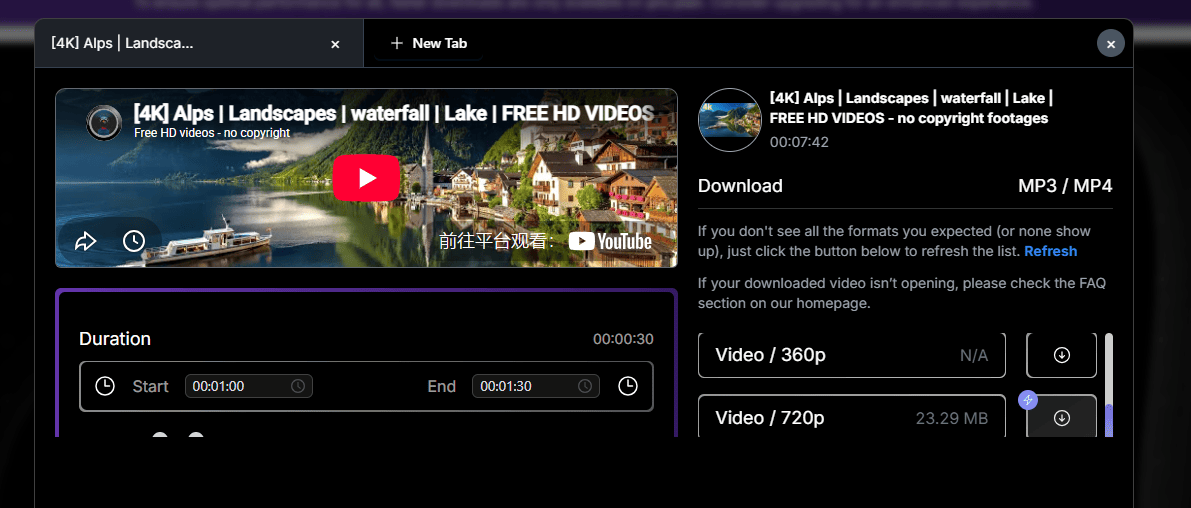
Test status: Partially working|Video clipping worked|Audio feature issue|Free video up to 360p
Slicetube offers MP4 video clipping and MP3 audio features.
In our test, video clipping worked normally.
However, when we tested the audio feature, it did not generate the expected clipped audio file. Instead, we received a playback link.
Test Results
- ✅ Video clipping worked
- ✅ Processing took about 20 seconds
- ❌ Free video limited to 360p
- ⚠️ Audio feature did not generate the expected file
- ❌ Higher-resolution output requires payment
5. OpenReplay YouTube Clipper
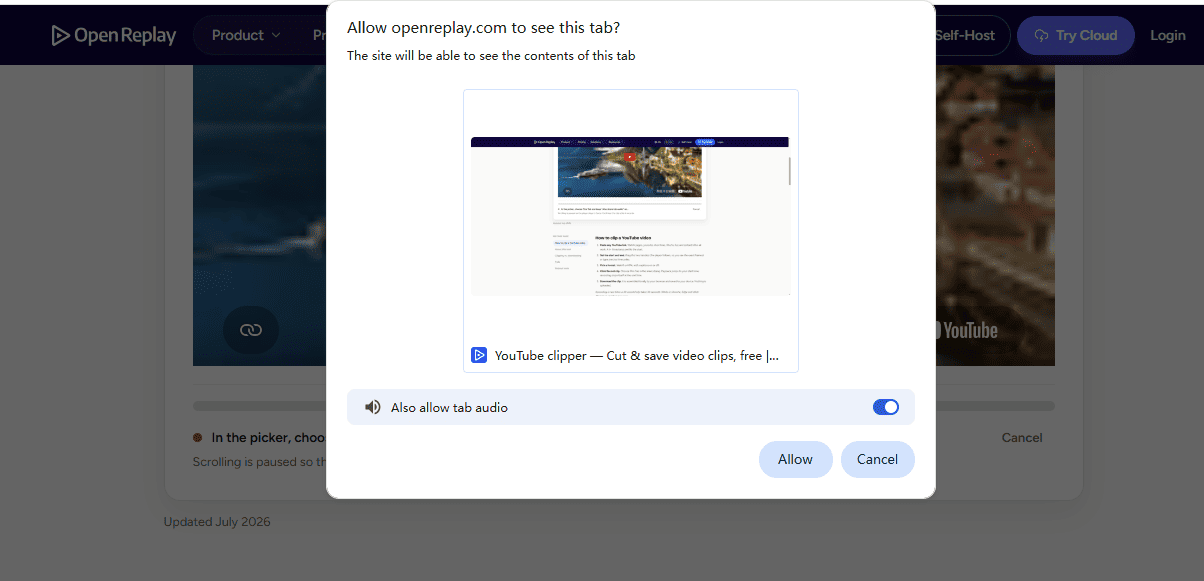
Test status: Usable|Creates clips through screen recording|Requires real-time playback
OpenReplay works differently from most YouTube video clipping tools.
Instead of directly processing the source video, it plays the YouTube video in the browser and records the section you want.
Test Results
- ✅ Free to use
- ✅ Can create video clips
- ❌ Uses screen recording rather than direct clipping
- ❌ Requires real-time playback
- ❌ Not well suited for direct audio extraction
6. TubeChop
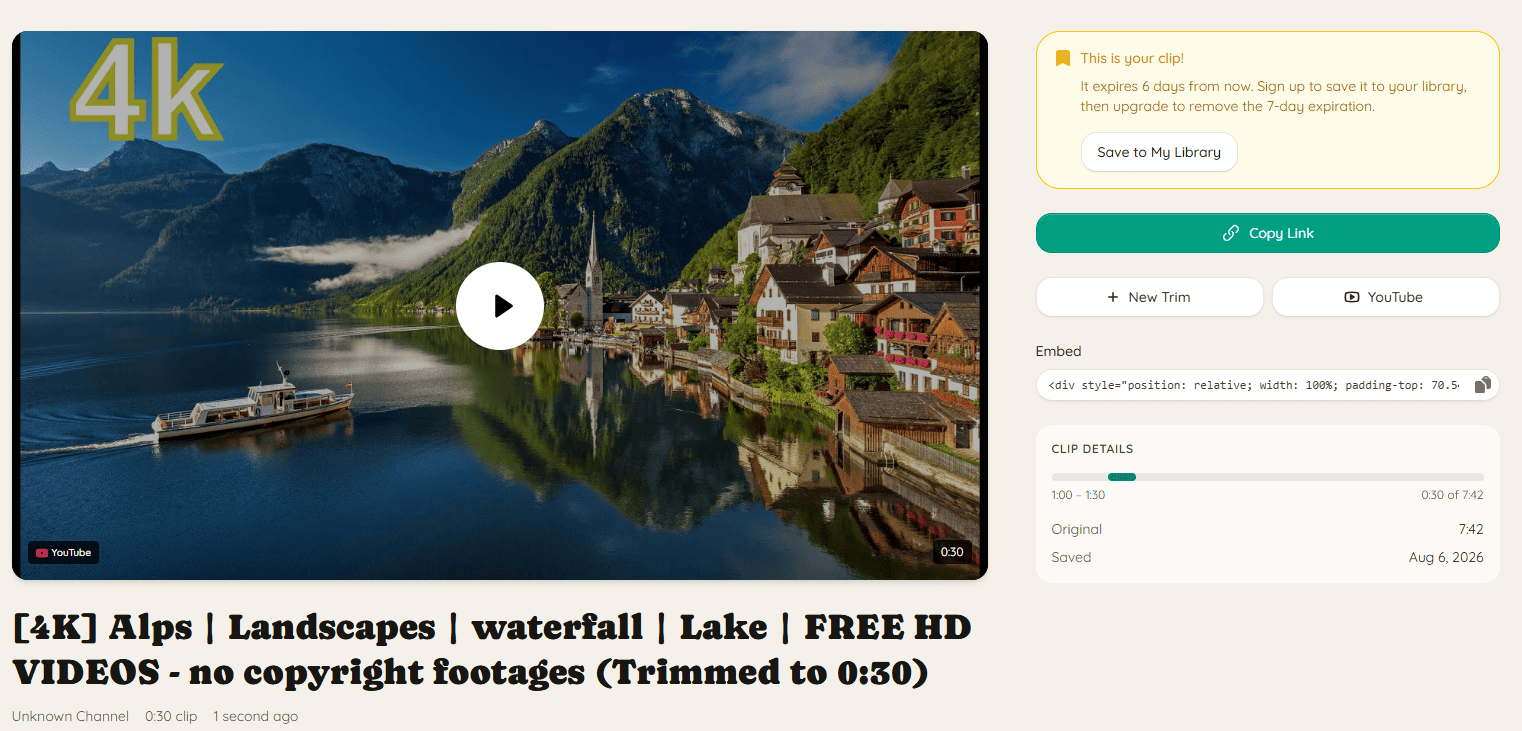
Test status: Can clip and share|Does not support video file downloads
TubeChop lets users select a specific time range from a YouTube video.
However, in our hands-on test, we found that it creates a shareable page that plays only the selected time range rather than generating a standalone video file.
Test Results
- ✅ Time range can be selected
- ✅ Can create a shareable clip
- ✅ Easy to use
- ❌ Cannot download an MP4 file
- ❌ Audio downloads are not supported
7. Trimtube
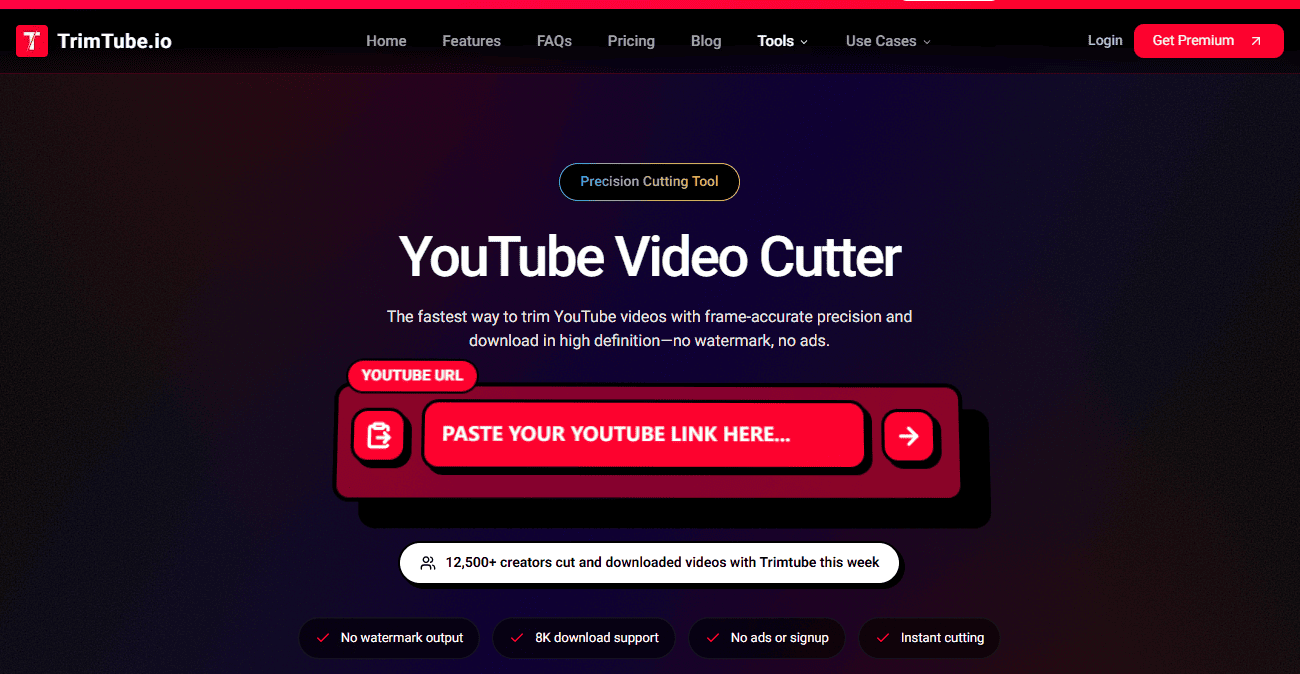
Test status: Works with limitations|Free only at 144p / 240p|HD and MP3 require payment
Trimtube successfully loaded the video and completed the clipping process.
However, in our test, free users could only choose 144p or 240p.
Test Results
- ✅ Video clipping worked
- ✅ Download completed successfully
- ✅ Processing took about 60 seconds
- ❌ Free output limited to 144p / 240p
- ❌ HD requires payment
- ❌ MP3 requires payment
8. YTCutter.link
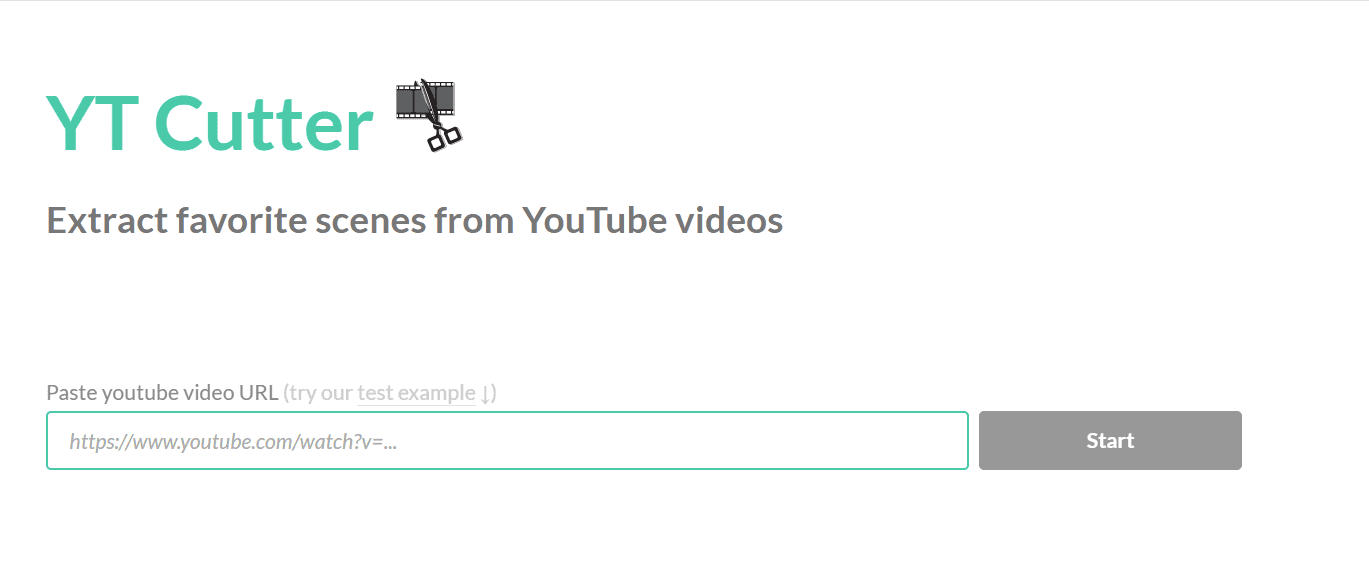
Test status: Download failed during our test
YTCutter.link opened normally and provided a YouTube link input field along with the expected controls.
However, we were not able to obtain a usable video clip during our test.
We also encountered ad redirects, and clicking the download option did not complete the expected video-processing workflow.
9. Vidstrim
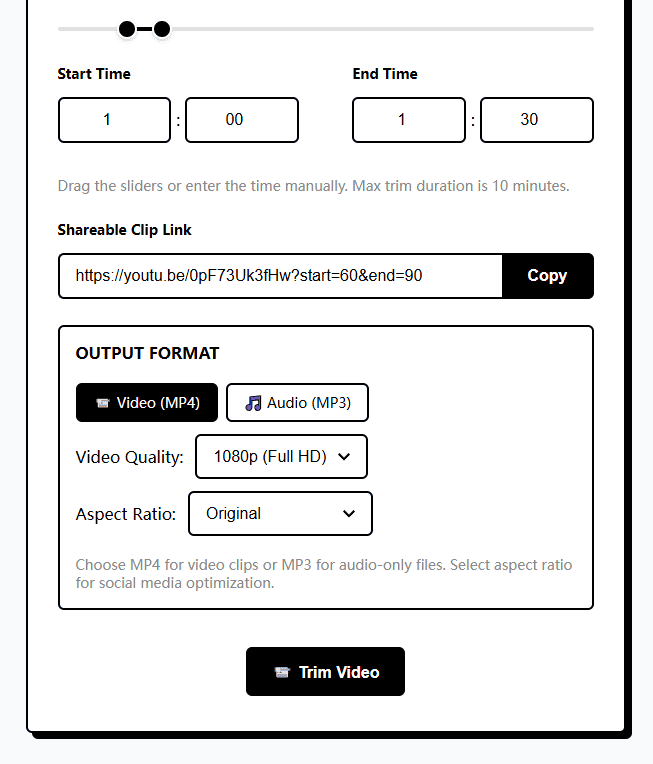
Vidstrim's page says it supports MP4, MP3, 1080p, shareable video clips, aspect-ratio adjustments, and clips up to 10 minutes long.
However, in our hands-on test, multiple download attempts failed to complete successfully.
10. Cutter.yt
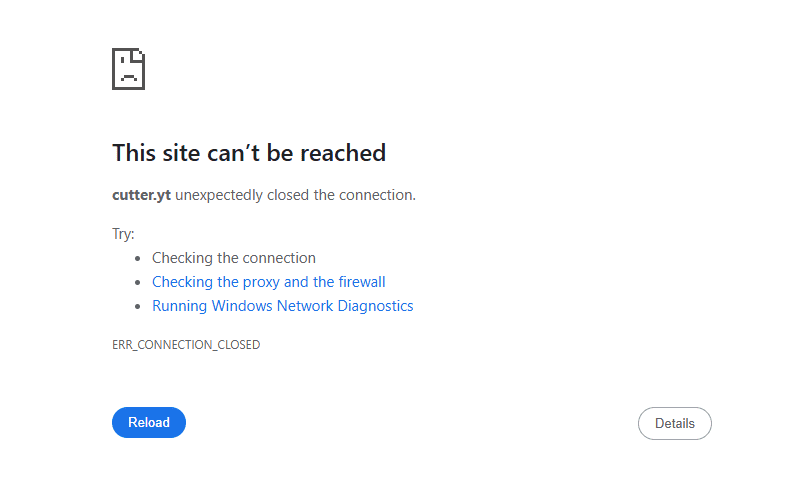
Test status: Inaccessible during testing
Cutter.yt would not open normally when we tested it.
As a result, we could not continue testing its video clipping and downloading features.
Which YouTube Video Clipping Websites Support Free 1080p?
If you need this workflow:
Paste a YouTube link → select a time range → download a video clip → free 1080p
Then, among the 10 websites we tested, Sliceyt and Cutter.tube successfully completed the entire process.
The other websites had various limitations:
- Free output limited to 360p
- Free output limited to 144p / 240p
- HD requires payment
- Sharing is supported, but downloading is not
- Clips are created through screen recording
- Download functionality failed during testing
Can You Download Only Part of a YouTube Video?
Yes.
Online tools that support video clipping usually let you:
- Paste a YouTube video link
- Set a start time
- Set an end time
- Choose MP4 or MP3
- Generate and download the selected clip
However, video quality, clip length, format options, and free-plan limits vary significantly from one website to another.
Our test also showed that some websites ranking near the top of Google search results could not successfully complete the full download workflow.
Why Do Some YouTube Video Clipping Websites Stop Working?
The availability of online video-processing websites changes frequently.
Common reasons include:
- Backend failures
- Services no longer being maintained
- Changes to free plans
- Changes in video-processing methods
- Changes to the YouTube platform that affect existing functionality
So even if a website still appears in Google search results, that does not guarantee its clipping or downloading features are currently working.
YTCliply
Disclosure: This article was published by YTCliply, which also provides YouTube video clip processing features.
YTCliply's workflow is:
Paste a YouTube link → select a time range → choose MP4 or MP3 → generate and download the clip
For the other websites in this test, we used the same video, time range, and testing criteria whenever possible.
Frequently Asked Questions
Can I download only part of a YouTube video instead of the whole video?
Some online tools support this.
Typically, you can paste a YouTube link, set the start and end times, and then generate and download the selected clip.
However, limits on resolution, clip length, and format vary significantly by website.
Which websites supported free 1080p in our test?
In our August 2026 test, Sliceyt and Cutter.tube successfully completed free 1080p video clipping and downloading.
Do all free YouTube video clipping tools support HD?
No.
In our test, some websites limited free users to 360p, while others went as low as 144p or 240p.
You need to check each tool individually to confirm whether free HD output is available.
Can I extract MP3 audio too?
Some websites support MP3, but their free-plan restrictions vary.
Some require payment, while others did not generate the expected audio file correctly in our hands-on testing.
These results are based on hands-on testing conducted in August 2026. Features, free plans, and availability for online tools can change at any time, and we will update the results as we conduct future tests.