 YTCliply
If you only want to extract a few seconds or a few minutes from a YouTube video, there is usually no need to download the entire video first and then open Premiere Pro, CapCut, or another video editor just to trim it again.
An online YouTube Cutter Downloader can make the process much simpler: paste the YouTube link, set the start and end times, and download the exact clip you want. Some tools also support MP3, subtitles, thumbnails, and even GIFs.
However, after testing these sites ourselves, we found that while they can all cut and download YouTube videos, the differences that have the biggest impact on the user experience mainly come down to the following:
- Whether you need to sign up or log in
- Whether higher resolutions require payment
- Whether there is a limit on the original video file size
- Whether MP3 or other audio formats are free
- The maximum clip length available to free users
- The highest resolution you can download after trimming
Below are 6 practical Free YouTube Cutter Downloaders Online that we put together.
Testing note: This article is based on hands-on testing conducted in August 2026 and the features available at that time. Free usage limits, resolutions, pricing, and restrictions for online video tools may change, so when you use these services later, we recommend checking the options currently shown on each website.
Quick Comparison of 6 Free YouTube Cutter Downloaders
| Tool | Highest Free Resolution | Free Audio | Free Cutting / Download Limits | Login Required | Paid Plan |
|---|---|---|---|---|---|
| TubePull | 1080p | Free M4A; 320 kbps MP3 requires Pro | 3 downloads per day; up to 1 hour per video | NO | $4.99/month; unlocks 2K, 4K, 320 kbps MP3, and more |
| YTCliply | 4K | Free MP3 | That resolution is not shown if the source file is ≥1000 MB | NO | NO |
| EzConv | 720p | Free MP3 / M4A, up to 320 kbps | Audio and video up to 90 minutes | NO | $5 / 15 days; unlocks up to 4K, longer videos, WAV, and more |
| VD6S | 4K+ | Free MP3 | That resolution is not shown if the source file is >500 MB | NO | NO |
| SliceYT | 1080p | Free MP3, up to 2 minutes | Video and audio are both limited to 2 minutes | YES, Google sign-in is supported | $5.99; Pro: MP3 up to 45 minutes, video up to 4K |
| CutterTube | 2K | Free MP3 | No fixed limit | NO | NO |
One thing to keep in mind is that the highest free resolution refers to the highest quality the website lets you select for free. It does not mean that option will be available for every YouTube video.
The resolutions you can actually choose also depend on whether the original YouTube video is available in that resolution and whether the website imposes limits on the size of the original source file.
For example, YTCliply can offer up to 4K for free, but a resolution will not appear if the corresponding original source file is 1000 MB or larger. VD6S can likewise offer 4K or higher, but a resolution will not appear if the corresponding source file is larger than 500 MB.
1. TubePull — Well-Rounded Features, Up to 1080p for Free
Website:tubepull.com
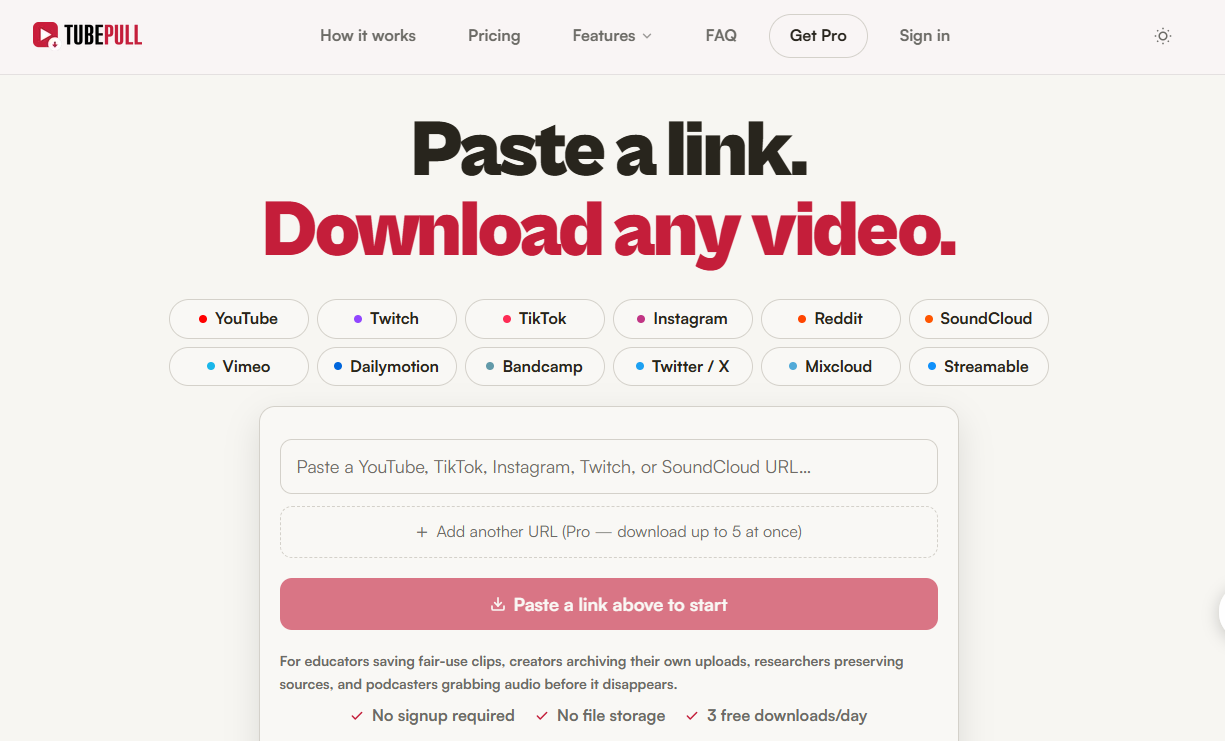
TubePull was one of the more full-featured tools in our testing. After pasting a YouTube URL, you can set the start and end times and download only the section you need. The free version does not require an account, and you do not need to install desktop software or a browser extension.
In addition to YouTube, it supports video or audio links from TikTok, Instagram, Facebook, X, Reddit, Vimeo, SoundCloud, and other platforms, although here we are mainly focusing on its YouTube Cutter feature.
The free version supports up to 1080p, while 2K and 4K require Pro. Free users can download up to 3 times per day and process videos up to 1 hour long. For audio, M4A is free, while 320 kbps MP3 requires Pro.
In addition to its Cutter, TubePull also supports subtitles, thumbnails, and GIFs. So if you regularly organize YouTube assets, it is more complete than tools that only offer MP4 / MP3 downloads.
Pro currently costs $4.99/month and mainly unlocks 2K, 4K, 320 kbps MP3, longer video processing, and higher download limits.
Best for: Users who want free 1080p and also need subtitles, thumbnails, or GIFs.
2. YTCliply — Up to 4K for Free, but With a 1000 MB Limit
Website:ytcliply.com
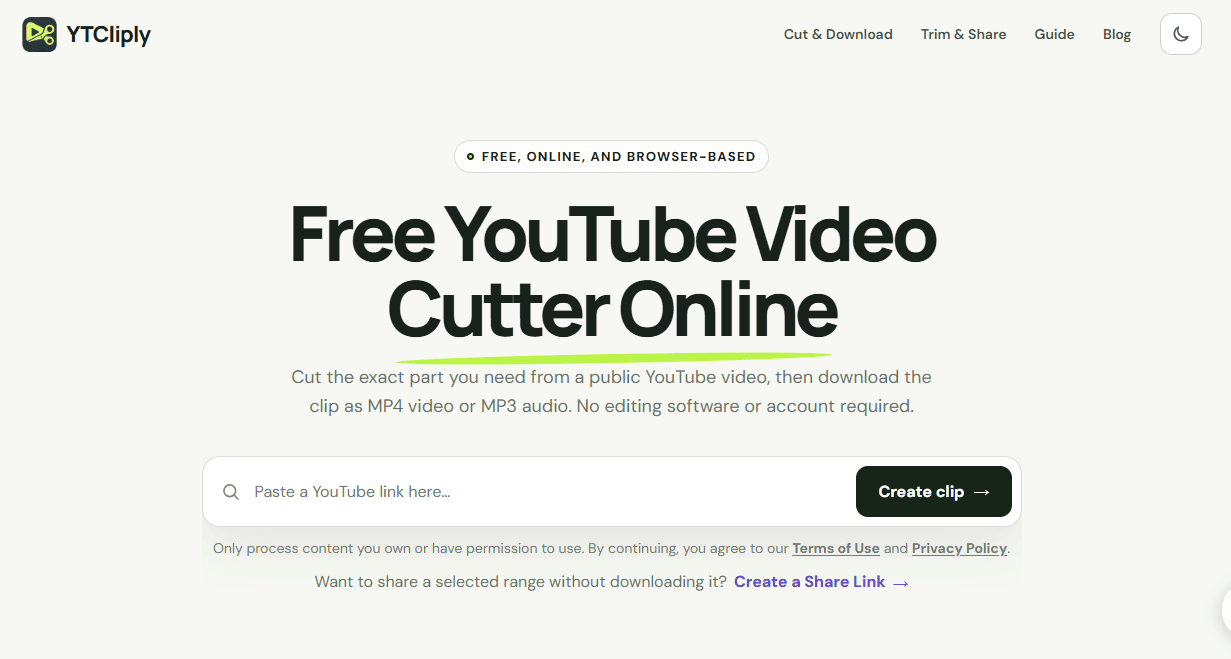
YTCliply is a straightforward YouTube Cutter. Paste a link, set the start and end times, then choose MP4 or MP3 to download. During our testing, no account was required, and we did not find any paywall for the basic Cutter feature.
Depending on the source video, free resolution options can include 360p, 480p, 720p, 1080p, 2K, and up to 4K. Its limitation is very clear: if the original source file for a given resolution is 1000 MB or larger, that format will not be shown.
This limit applies to the untrimmed original source file, not the size of the final clip. So even if you only want a 30-second clip from a long 4K video, the 4K option will not appear if the corresponding 4K source file is 1000 MB or larger.
YTCliply also supports free MP3 downloads, making it a good option for users who do not want to log in and want to preserve as much video quality as possible.
Best for: Users who want free 1080p, 2K, or 4K and are working with source videos that are not too large.
3. EzConv — Up to 720p for Free, With More Format Options
Website:ezconv.cc
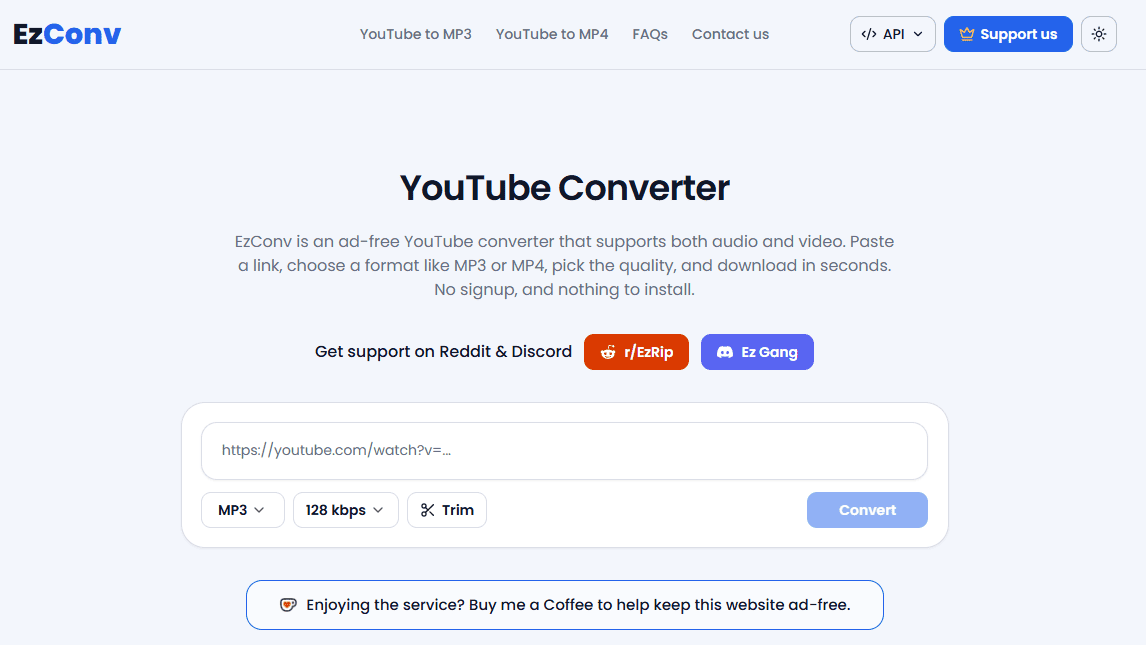
EzConv lets you trim YouTube videos directly and offers a range of output formats, including MP3, M4A, WAV, MP4, WebM, MKV, and MOV.
Free users can download up to 720p; 1080p, 2K, and 4K require Supporter. Free audio and video are both limited to 90 minutes, and audio quality can go up to 320 kbps.
If you upgrade, $5 currently gives you 15 days of full access, including up to 4K video, videos up to 4 hours long, audio up to 12 hours long, WAV output, and faster conversion speeds.
If 1080p is not a must-have but you regularly need different audio and video formats, EzConv is more flexible than Cutters that only offer MP4 / MP3.
Best for: Users who are fine with 720p and want more output format options.
4. VD6S — Free 4K Plus Subtitles and Thumbnails
Website:vd6s.net
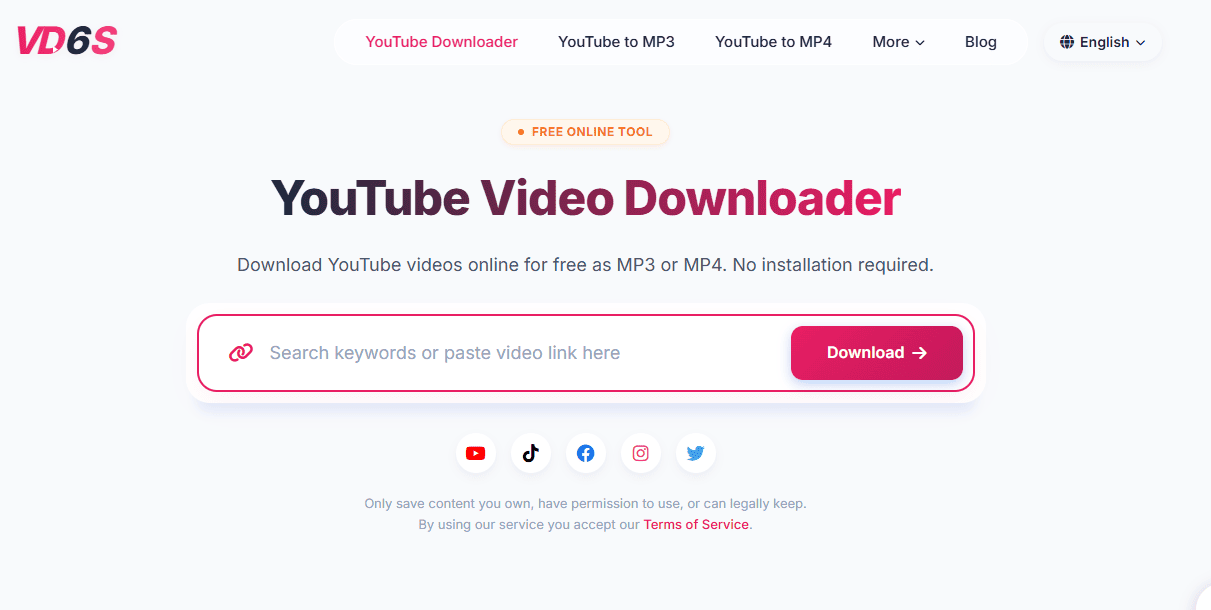
VD6S supports YouTube video cutting, MP3, subtitles, and thumbnails, and it also works with platforms such as Facebook, Instagram, TikTok, and Twitter / X.
Depending on the original video, free resolution options can include 360p, 480p, 720p, 1080p, 2K, and 4K. Its file-size limit is also straightforward: if the source file for a given resolution is larger than 500 MB, that format will not be shown.
In other words, shorter 4K videos will usually show a 4K option normally, but if the corresponding 4K source file is larger than 500 MB, that format will not be available.
VD6S can also download subtitles in SRT, VTT, and TXT formats, along with YouTube thumbnails, which makes it convenient for people who need to collect video, audio, subtitle, and thumbnail assets at the same time.
Best for: Users who want to try higher resolutions for free and also need subtitles or thumbnails.
5. SliceYT — Free 1080p, but Video and Audio Are Limited to 2 Minutes
Website:sliceyt.com
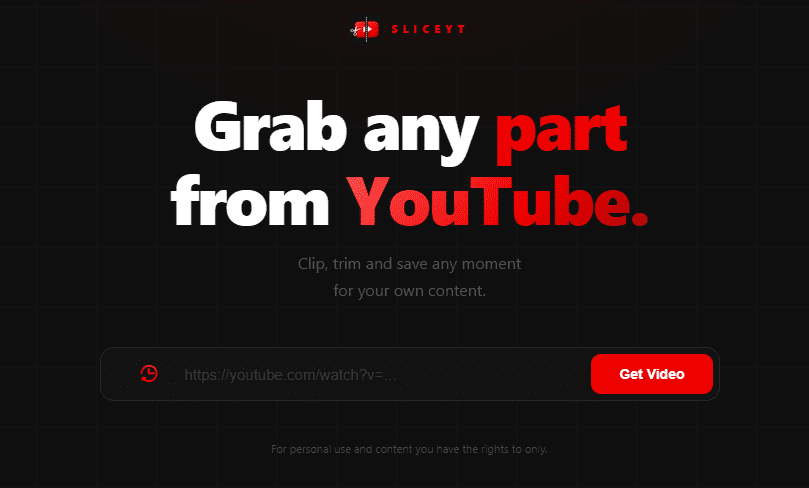
SliceYT is better suited for extracting short clips from longer YouTube videos. The free version supports up to 1080p, but both video and MP3 audio are limited to 2 minutes. You need to log in to use it, and Google sign-in is supported.
If you only need a 15-second, 30-second, 1-minute, or 2-minute highlight, this limit is not a major issue. But if you want a 5-minute, 10-minute, or longer clip, you will need Pro.
Pro currently costs $5.99. For video, the limits are up to 2 hours at 480p, 1 hour at 720p, 30 minutes at 1080p, and 15 minutes at 4K. MP3 is limited to 45 minutes, and audio jobs are estimated to take about 30–40 minutes to process.
As a result, SliceYT is better suited for Shorts, Reels, TikTok clips, or podcast highlights than for downloading long segments.
Best for: Users who want free 1080p and mainly trim video or audio clips that are two minutes or shorter.
6. CutterTube — Simple and Straightforward, With Free 2K Options
Website:cutter.tube
CutterTube is simple to use: paste a YouTube URL, set the start and end times, choose a format and resolution, and download the result.
On the site, we could see options such as 1080p and 1440p / 2K. It supports video formats including MP4, WebM, AVI, and WMV, and you can also export MP3 for free.
CutterTube does not require a login and does not have a fixed duration limit. In our testing, generating and downloading a clip took about 90 seconds, although the actual time will still depend on video length, resolution, your network, and server load.
It does not offer as many extra features as TubePull, nor does it include the subtitle and thumbnail tools available in VD6S. But if you just want to quickly cut part of a YouTube video, its simpler workflow can actually be more convenient.
Best for: Users who only need a Cutter and do not care much about extra features.
Which Free YouTube Cutter Downloader Is Best?
Based on our hands-on testing, no single tool is best in every category. The better choice depends on what you need.
Best Overall Feature Set: TubePull
TubePull supports up to 1080p for free and combines a Cutter, audio downloads, subtitles, thumbnails, and GIFs in one tool. The downside is that free users only get 3 downloads per day, and 2K / 4K require Pro.
Best Free High Resolution: YTCliply
If your top priority is getting the highest possible resolution without paying, YTCliply is a better fit. 1080p, 2K, and 4K may all be available for free, but you need to keep the 1000 MB original source-file limit in mind.
Best for Multiple Formats: EzConv
If you care more about output formats such as MP3, M4A, WAV, MOV, MKV, and WebM than getting free 1080p, EzConv is a better choice.
Best for Subtitles and Thumbnails: VD6S
If you need MP3, subtitles, and thumbnails in addition to a Cutter, VD6S offers a practical combination of features.
Best for Short Clips: SliceYT
If you usually trim clips that are two minutes or shorter and still want up to 1080p for free, SliceYT is a convenient option.
Best Simple Cutter: CutterTube
If you do not need extra features and just want to quickly set a time range and download the clip, CutterTube is straightforward enough.
How Should You Choose Between Free 1080p, 2K, and 4K?
TubePull: Up to 1080p for free; 2K / 4K require Pro.
YTCliply: Up to 4K for free, but a resolution will not appear if the corresponding original source file is 1000 MB or larger.
EzConv: Up to 720p for free; 1080p / 2K / 4K require Supporter.
VD6S: 1080p, 2K, and 4K can be available for free, but a resolution will not appear if the corresponding source file is larger than 500 MB.
SliceYT: Up to 1080p for free, with both video and MP3 limited to 2 minutes; Pro supports up to 4K.
CutterTube: Free options can include 1080p and 2K, with no login required and no fixed duration limit.
FAQ
Which Free YouTube Cutters Support 1080p?
TubePull, YTCliply, VD6S, and SliceYT all support 1080p for free. TubePull tops out at 1080p on the free plan, while YTCliply and VD6S can offer higher resolutions but are subject to source-file size limits of 1000 MB and 500 MB, respectively. SliceYT supports up to 1080p for free, but both video and MP3 are limited to 2 minutes.
Are There Any Free 4K YouTube Cutters?
Yes. YTCliply and VD6S can both offer 4K for free. With YTCliply, the format will not appear if the corresponding original source file is 1000 MB or larger. With VD6S, it will not appear if the corresponding source file is larger than 500 MB. TubePull, EzConv, and SliceYT require a paid plan for 4K.
Which YouTube Cutters Can You Use Without Logging In?
TubePull, YTCliply, EzConv, VD6S, and CutterTube can all be used without logging in. SliceYT requires a login and supports Google sign-in.
Why Don't 1080p, 2K, or 4K Options Always Appear?
There are usually three reasons: the original video does not offer that resolution, the corresponding source file exceeds the website's limit, or that resolution is a paid feature. For example, YTCliply has a 1000 MB limit, VD6S has a 500 MB limit, and TubePull requires Pro for 2K / 4K.
Conclusion
The main differences among these 6 YouTube Cutter Downloaders come down to free resolution, maximum clip length, file-size limits, login requirements, and whether audio downloads are free.
If you care most about an all-around feature set, TubePull is a balanced choice. It supports up to 1080p for free and includes a Cutter, subtitles, thumbnails, and GIFs.
If free high-resolution downloads matter more, YTCliply is worth trying first. It can go up to 4K, but you need to watch out for the 1000 MB original source-file limit.
EzConv is better for users who need a wider range of audio and video formats; VD6S is better if you want high resolution, subtitles, and thumbnails together; SliceYT is better for short clips under two minutes; and CutterTube is a good fit for people who just want to quickly trim and download a clip.
If you only want to pick two: choose TubePull for overall features, and YTCliply for free high resolution.